 XIA LEI
How to Build Large Models Without GPU?
Method 1: Use Free Cloud GPUs (Most Recommended)
It's not "no GPU" - you rent someone else's GPU, completely free:
| Platform | Free Quota | GPU Model | Best For | |
|---|---|---|---|---|
| Google Colab | Hours daily | T4 / A100 | Beginners | |
| Kaggle Notebooks | 30 hours/week | P100 / T4 | Competitions + Learning | |
| Hugging Face Spaces | Free CPU/GPU | Various | Model Deployment | |
| Lightning.AI | Free tier | A10 | Training Small Models |
python
# Google Colab - check GPU in one line
import torch
print(torch.cuda.is_available())  # True = GPU available
Method 2: Use Pretrained Models (Most Practical)
Training large models requires GPU, but inference/fine-tuning works on CPU:
python
# Use Hugging Face - runs on CPU too
from transformers import pipeline

# Load pretrained model directly, no GPU needed
generator = pipeline('text-generation',
                     model='gpt2',        # 150M parameters
                     device='cpu')        # Explicitly use CPU

result = generator("The weather today", max_length=50)
print(result)
Method 3: Quantize Models (Key Technology for Running Large Models on CPU)
Original models are heavy, but quantized models shrink 4-8x and run on CPU:
python
# llama.cpp + GGUF format - CPU-specific solution
# Run 7B parameter models on regular laptops!

from llama_cpp import Llama

llm = Llama(
    model_path="./llama-2-7b.Q4_K_M.gguf",  # 4-bit quantized, ~4GB
    n_ctx=2048,
    n_threads=8    # Number of CPU cores
)

output = llm("Write a poem:", max_tokens=100)
print(output['choices'][0]['text'])| Precision | Model Size | Quality Loss | Recommendation | |
|---|---|---|---|---|
| FP32 (Original) | 28GB | None | Requires GPU | |
| INT8 | 14GB | Minimal | Good CPUs | |
| Q4 (4-bit) | 4GB | Very Small | ✅ CPU First Choice | |
| Q2 (2-bit) | 2GB | Noticeable | Low-end Devices |
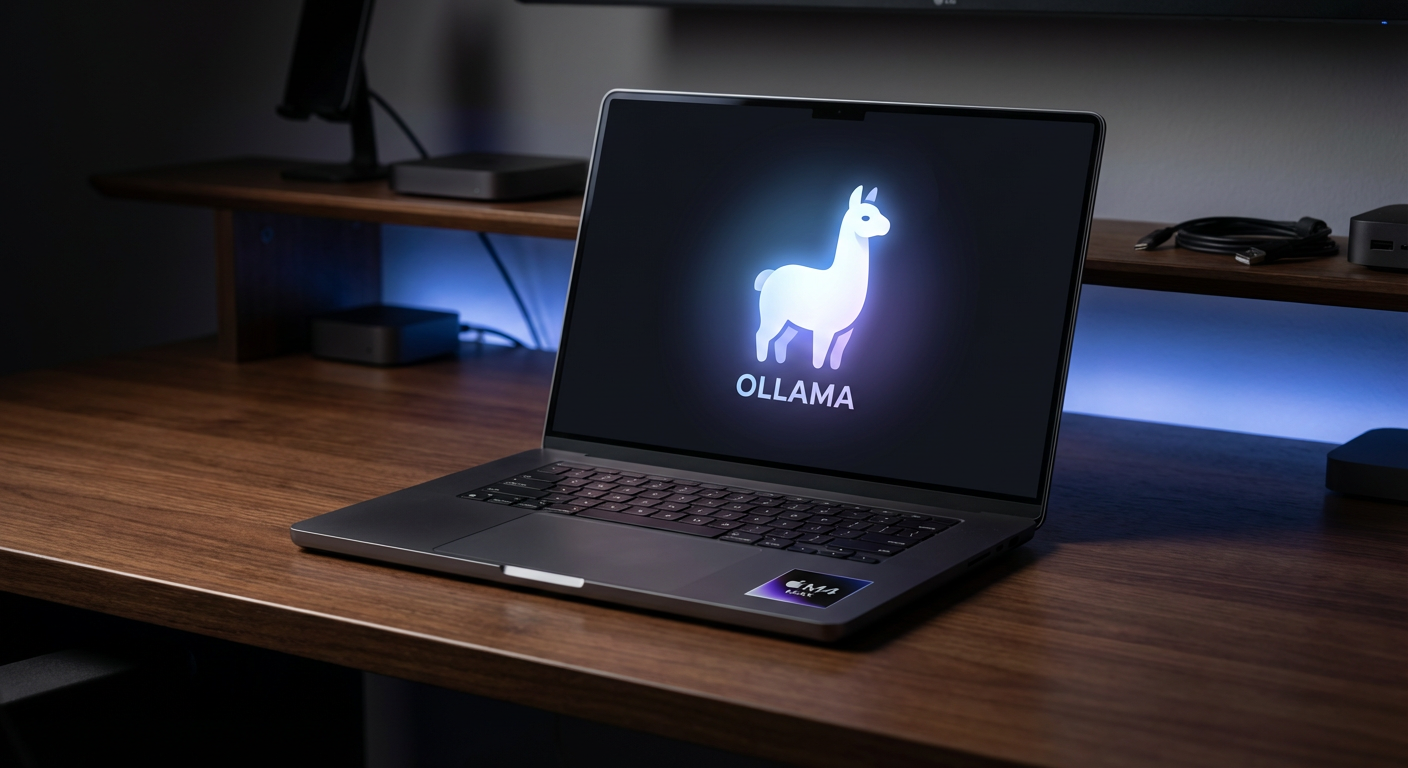
Method 4: Use Ollama Locally (Easiest!)
bash
# Install Ollama - get large models running in 3 steps
# 1. Install
curl https://ollama.ai/install.sh | sh

# 2. Download models (auto-quantized, works on CPU/GPU)
ollama pull llama3.2      # Meta model, 3B parameters
ollama pull qwen2.5       # Alibaba Qwen, excellent Chinese

# 3. Chat
ollama run qwen2.5
Models you can run on regular computers:
| RAM | Recommended Model | Parameters | Speed | |
|---|---|---|---|---|
| 8GB | Qwen2.5:3b | 3B | Slow but works | |
| 16GB | Llama3.2:8b | 8B | Smooth | |
| 32GB | Qwen2.5:14b | 14B | Very good |
Method 5: Train Small Models Yourself (Truly From Scratch)
If you want to truly understand the training process, train a "mini-GPT":
python
# Based on Andrej Karpathy's nanoGPT
# CPU trainable, uses Shakespeare text, results in hours

import torch
import torch.nn as nn

class MiniGPT(nn.Module):
    def __init__(self, vocab_size, n_embed, n_head, n_layer):
        super().__init__()
        self.embedding = nn.Embedding(vocab_size, n_embed)
        self.transformer = nn.TransformerEncoder(
            nn.TransformerEncoderLayer(n_embed, n_head),
            num_layers=n_layer
        )
        self.head = nn.Linear(n_embed, vocab_size)

    def forward(self, x):
        x = self.embedding(x)
        x = self.transformer(x)
        return self.head(x)

# Mini configuration trainable on CPU
model = MiniGPT(
    vocab_size=5000,
    n_embed=128,    # Small dimensions
    n_head=4,       # 4 attention heads
    n_layer=4       # 4 layers
)
print(f"Parameters: {sum(p.numel() for p in model.parameters()):,}")
# About 3 million parameters, CPU training takes hours
Recommended Learning Path
Beginners
  └─ Run Qwen/Llama locally with Ollama → Experience large models

Want to Learn
  └─ Use Google Colab free GPU → Run Hugging Face tutorials

Want to Understand
  └─ Train nanoGPT on CPU (Karpathy tutorial) → Truly understand Transformers

Want Production Use
  └─ Quantized models (Q4) + llama.cpp → Local private deployment